



If you’re using monday.com just as a fancy to-do list, you’re leaving serious productivity gains on the table. We’ve worked with hundreds of businesses, and honestly? Most teams are barely scratching the surface of what this platform can actually do for their workflows.
The “Set It and Forget It” Automation Magic
Here’s where things get interesting. While most people know about basic monday.com automation (like moving items between boards), the real game-changers are the advanced automation recipes that can eliminate hours of manual work every week.
We’re talking about automations that can automatically assign tasks based on workload, send personalized client updates when project statuses change, and even create recurring projects with all the right people, deadlines, and dependencies already mapped out. One client told us these automations saved their team 8 hours per week – that’s an entire workday back in their pocket.
The secret sauce? Combining multiple triggers and conditions. Instead of just “when status changes to done, notify someone,” try “when status changes to done AND deadline is approaching AND client priority is high, then create follow-up task and notify account manager.” That’s when monday.com starts feeling like it’s reading your mind.

Dashboard Views That Actually Make Decisions Easier
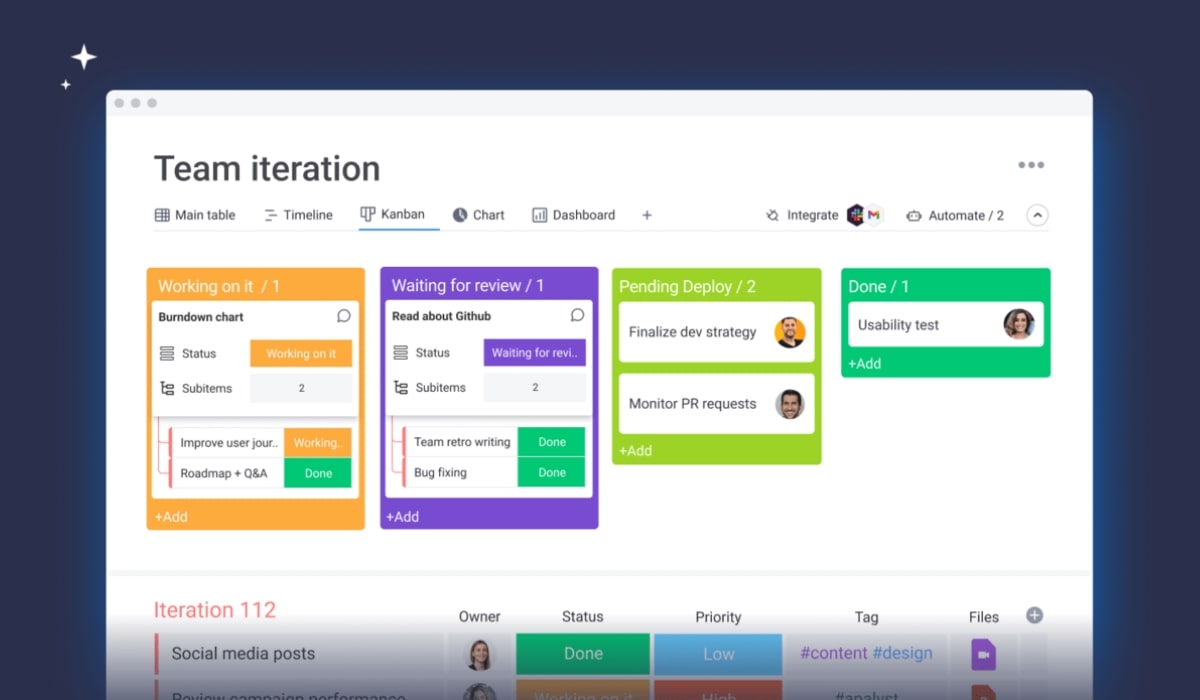
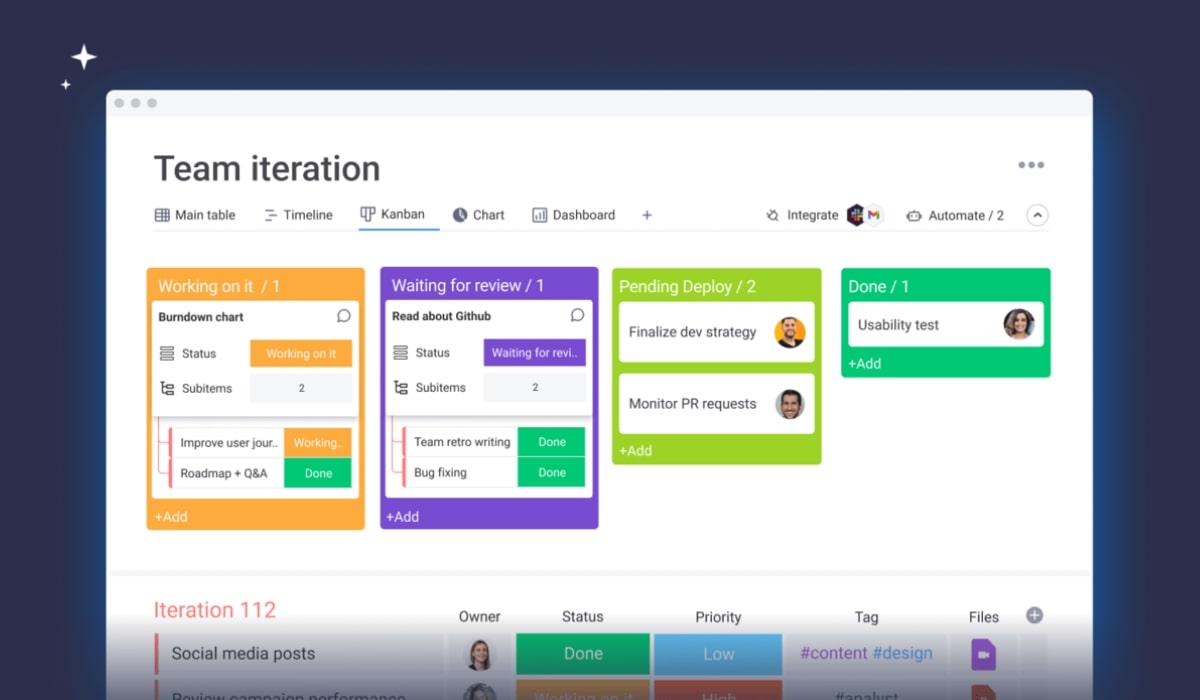
Most teams stick with the basic board view, but we’ve seen businesses transform their decision-making process using custom dashboard views. The Chart View alone can show you bottlenecks, team capacity, and project progress in ways that make problems obvious before they become crises.
Our favorite hidden gem? The Workload View. This feature shows you exactly who’s swamped and who has bandwidth, making resource allocation decisions instant instead of guesswork. We’ve watched teams go from constant fire-drilling to smooth, predictable project flow just by using this one view consistently.
Time Tracking That Goes Beyond Hours
Sure, everyone knows monday.com has time tracking. But most businesses use it wrong – they track time without connecting it to profitability, efficiency, or client billing. The real power comes from integrating time data with project budgets and team capacity planning.
We help businesses set up time tracking that automatically flags when projects are going over budget, identifies which types of tasks consistently take longer than estimated, and even predicts future resource needs based on historical data. It’s like having a crystal ball for project management.

The Communication Features That Replace Email Chaos
Email chains about projects are productivity killers, but most teams don’t realize how powerful monday.com’s communication features really are. The Updates section isn’t just for status reports – it’s a complete project communication hub that keeps everything contextual and searchable.
Here’s what we recommend: use @mentions strategically, leverage the proofing feature for creative reviews, and set up notification rules that actually make sense for your team’s workflow. When done right, your team will stop living in their email inbox and start getting real work done.
Integration Superpowers Most People Miss
This is where monday.com becomes truly powerful – when it talks to your other business tools. We’re not just talking about basic Slack or Gmail connections. Think Zapier integrations that automatically create monday.com items from new leads, or connections with accounting software that track project profitability in real-time.
One of our favorite setups connects monday.com with client communication tools, so every client interaction automatically updates project status and creates follow-up tasks. It’s like having a personal assistant who never forgets anything.
Reporting That Actually Drives Business Decisions
The reporting features in monday.com are incredibly robust, but most businesses either don’t use them or create reports that look pretty but don’t drive action. We focus on building reports that answer specific business questions: Which projects are most profitable? Where do delays typically happen? How accurate are our time estimates?
The Portfolio Dashboard feature is particularly powerful for agencies and service businesses – it gives you a bird’s-eye view of all projects, resources, and deadlines that makes strategic planning actually manageable.
Making It Work for Your Business
Here’s the thing about monday.com – it’s incredibly flexible, which means it can be overwhelming. The businesses that get the most value start with their biggest pain points and build solutions incrementally. Don’t try to implement every feature at once.
We typically recommend starting with automation for repetitive tasks, then moving to custom views that solve your specific workflow challenges, and finally integrating with your existing tools to create a seamless business operating system.
Ready to unlock monday.com’s full potential for your business? Let’s talk about transforming your workflows from chaotic to streamlined.